
Eggstreme Farming Windows specs
DX12 first-person farm. 2 GB disk. No Mac or Linux listing.
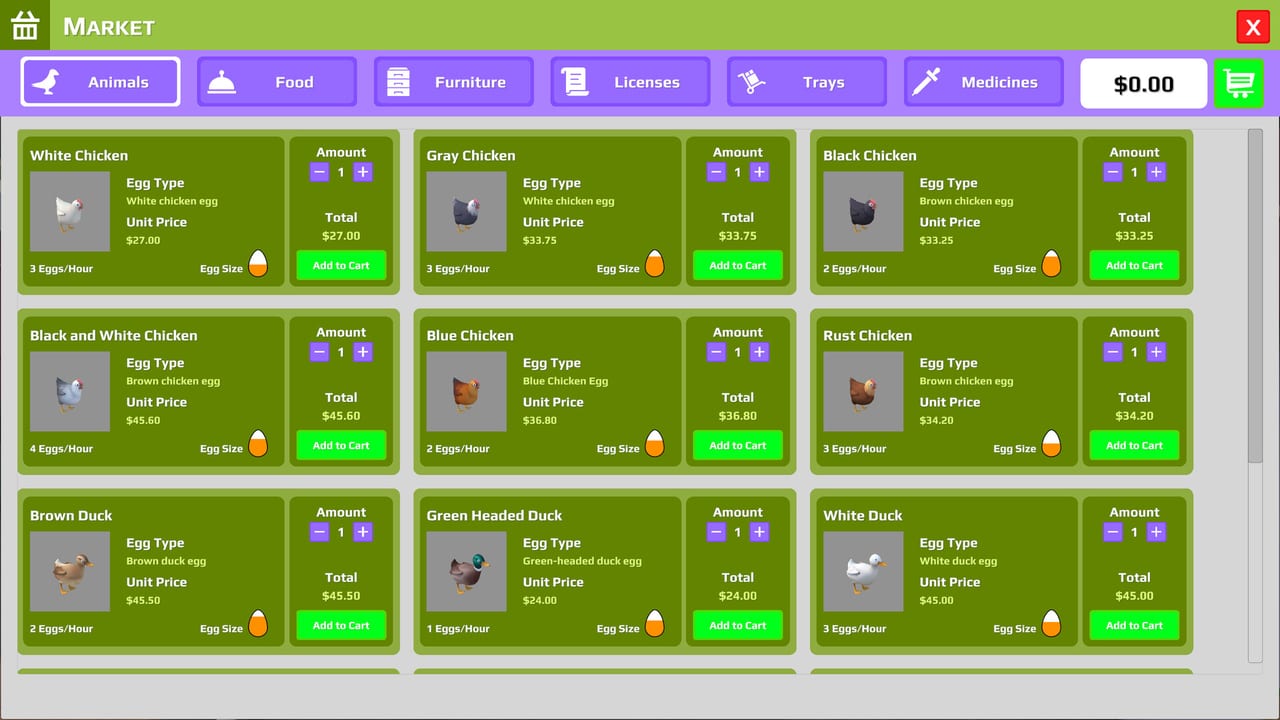
Eggstreme Farming is a Steam Windows game from Sagitta Studios, released 4 September 2026. The store sheet is a first-person, DirectX 12, single-player farm sim with a 2 GB install. If your PC misses the minimum line, do not expect the vending machine to be the problem. If your PC beats the recommended line and the farm still stutters, check drivers and overlay software before you refund on a hunch.
This page copies the Steam minimum and recommended blocks. It does not invent Mac, Linux, or Deck certification. Steam Deck compatibility is Unknown. VR support is listed as none. Use Getting Started once the game actually boots. Use the launch review if you are still deciding whether the loop is worth the disk.
Minimum
| Item | Steam listing |
|---|---|
| OS | Windows 10/11 (64-bit) |
| Processor | i5-3550 / Ryzen 5 1600 |
| Memory | 8 GB RAM |
| Graphics | NVIDIA GTX 1050 / AMD R9 270X |
| DirectX | Version 12 |
| Storage | 2 GB available space |
| Sound | Any |
| VR | No VR support |
Minimum means the farm should run, not that 4K trays will look like the store GIFs. Integrated graphics below a GTX 1050 / R9 270X class card are a gamble the store does not endorse. DirectX 12 is not a suggestion. Windows 8 and 32-bit installs are not on the sheet.
The CPU pair is old enough that many office PCs from the mid-2010s will pass on paper and still hitch when you sprint with a full dozen. Launch added time acceleration at any hour; hitching during accel is still a spec issue, not a “slow hen” issue. Close browser GPU tabs if you are on 8 GB RAM. The farm computer inside the game does not care that Chrome is also billing you.
Recommended
| Item | Steam listing |
|---|---|
| OS | Windows 10/11 (64-bit) |
| Processor | i5-7600K / Ryzen 5 2600X |
| Memory | 16 GB RAM |
| Graphics | NVIDIA GTX 2060 / AMD 5700 XT |
| DirectX | Version 12 |
| Storage | 2 GB available space |
| Sound | Any |
| VR | No VR support |
Recommended is the comfort line for a first-person walk around pens, interior shelves, and the vending machine. 16 GB RAM is the change most 8 GB machines will feel if they play with Discord, a browser, and Steam overlays stacked. A GTX 2060 / 5700 XT class card is modest by 2026 standards; if you own newer hardware, you are not GPU-bound unless something else is wrong.
Disk is still 2 GB at recommended. This is not a 120 GB texture pack. Leave the 2 GB free after Windows updates, not before. A disk that is 1.9 GB shy will fail the install and look like a Steam error rather than a farm error.
Platforms the store does not list
- Mac: not listed. Do not buy expecting a native Apple build.
- Linux / Proton: not listed by Sagitta Studios. Community Proton reports are not a store promise.
- Steam Deck: compatibility Unknown. Unknown is not Verified, Playable, or Unsupported. Treat Deck as an experiment you might refund.
- Consoles: not on this Steam app.
- VR: explicitly none.
The game is single-player. Family Sharing appears on the Steam app page as a store feature. That is not a second farmer on the same PC. One PC, one yard.
First-person and DX12 practical notes
You carry trays in first person. If frame time spikes when you turn in the interior, drop overlays (recording, RGB, extra launchers) before you drop shadow mods that do not exist. There is no official graphics-mod scene you need to install to “fix” the farm.
Launch added a left-handed control preset. That is a bind issue, not a GPU issue. If mouse-look feels wrong, open controls before you buy a new card. If crates hitch only when several delivery box models spawn — launch gave each store item its own box mesh — that is a moment of load, not a reason to skip the 2 GB install.
A May–June demo on the same hardware is not a full-game benchmark. The 4 September build added collector and water machines, extra tray types, and more delivery art. Demo smoothness can lie. If you played the demo (app 4669490) on a GTX 1050 and it was fine, still read the minimum line and watch the first indoor night with lights on.
Before you refund on performance
- Confirm Windows 10/11 64-bit and a DX12 GPU.
- Confirm 2 GB free after the download, not before.
- Run once with overlays off.
- Compare your CPU/GPU to the table, not to a YouTuber’s 4070 clip.
- If it boots and the loop is what you dislike, that is a design take — read the launch review — not a spec miss.
Patch notes that change systems (collector, water refill, bill warnings) live on the launch notes and demo history. They do not change the Steam spec table unless Sagitta Studios edits the store page. Check the store if you are reading this months later; this wiki copies the sheet as of launch week.
Official store, demo, discussions, and support email sit on official links. Hardware questions that are actually “my hen will not unpack” are still controls. Specs do not unpack crates.
Frequently Asked Questions
Quick answers to the most common farm questions.
What is the minimum RAM and GPU?
8 GB RAM and a GTX 1050 or R9 270X, with DirectX 12, on Windows 10/11 64-bit.
How big is the install?
Steam lists 2 GB available space for both minimum and recommended.
Does Eggstreme Farming run on Mac or Linux?
The store lists Windows only. There is no Mac or Linux line on the spec sheet.
Is it verified on Steam Deck?
No. Compatibility is Unknown. Unknown is not Verified or Playable.
I meet the specs but the farm feels bad to play. Is that hardware?
Maybe not. Read the launch review for the loop, and Getting Started if the issue is licenses and pens rather than frames.
Does it support VR?
Steam lists no VR support. It is a flatscreen first-person DX12 sim.